Caps_Lock_King
Members
-
Joined
-
Last visited
Everything posted by Caps_Lock_King
-
Disgusting Until Alonso starts picking our best players we have no chance, stop picking defenders in midfield, if James is not playing as a defender then he shouldn’t play, Gusto shouldn’t play unless we have no one left to pick
-
Forfana trying to drag Gusto off
-
Chucky Barco on
-
f**king Gusto stays on
-
Shame the people who pick the team doesnt think so
-
Same old problem a team gets in front puts everyone behind the ball because WE ARE TOO SLOW
-
HULL PLAY A BACK 5 and have conceded only 1 goal
-
DECRAP SCORES
-
1SUB
-
Can someone ask Alonso is he being pressured into rotating, i thought he was going to be his own man, if the answer is No then he is no better then Rosenoir, EVERYONE KNOWS GUSTO SHOULD NOT BE ANYWHERE NEAR THIS TEAM YET HE HAS PLAYED EVERY GAME, WHERE IS THE TWO WINGBACKS HE WANTED SO DESPERATELY
-
He needs to pick 3 and stick with them, it should be Josh, Lacroix and Forfana, STOP PICKING DEFENDERS IN MIDFIELD
-
You mean the team he should have started
-
THIS TEAM IS TOO SOFT, BEING BULLIED
-
Disasi sent off
-
STOP ROTATING PICK THE SAME DEFENSE AND PLAY MIDFIELDERS IN THE MIDFIELD
-
Its not only the defense, James needs to come out of midfield
-
1-2
-
ALONSO STOP f**kING AROUND WITH THIS DEFENSE, PICK 3 OR 4 AND STICK WITH IT, YOU DONT SEE ARSENAL KEEP ROTATING THEIR BACKLINE
-
Move the ball quicker, so slow
-
Move the ball quicker, so slow
-
ROGERS 1-0
-
Here we go again, rotation just for the sake of it
-
Gittens instead of Quenda
-
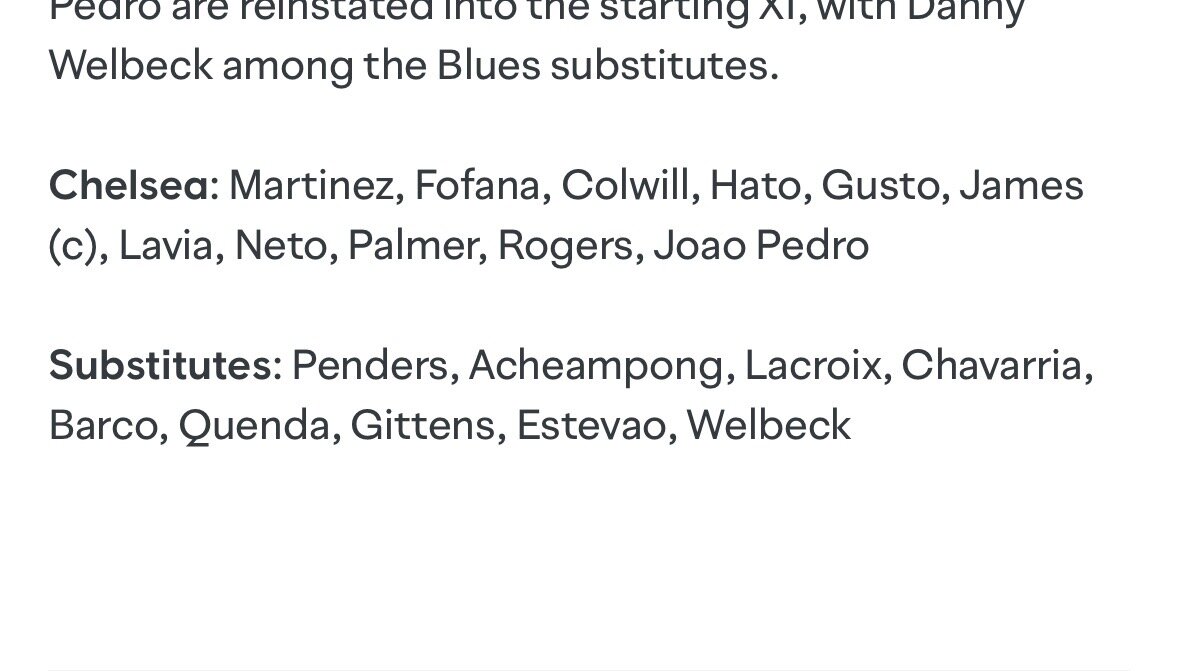
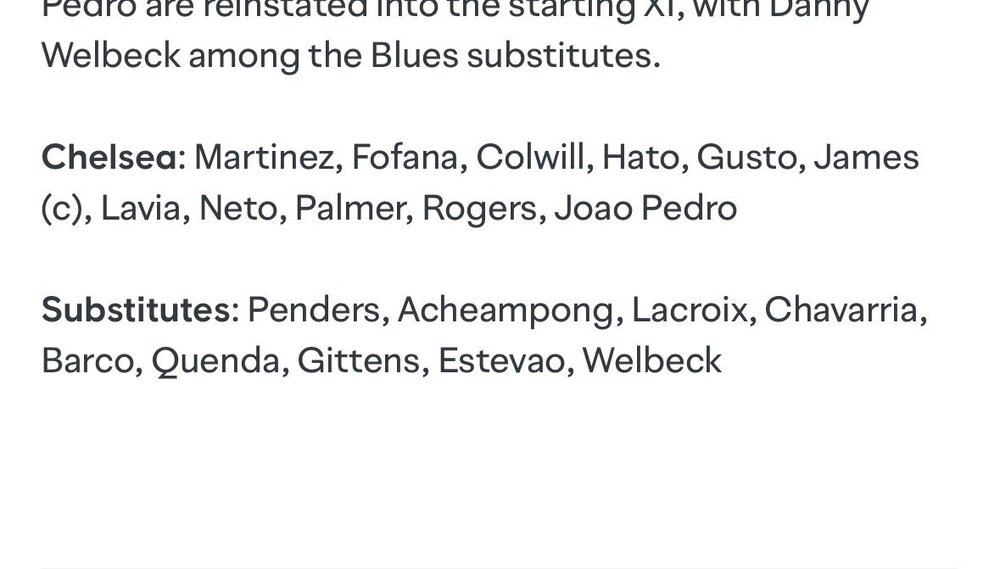
No way James or Pedro play Penders Josh Lecroix Colwill Gusto Nicolle-Jaz Barco Quenda Estevao Rogers Welbeck
-
Not playing