





Walnuts
Members
-
Joined
-
Last visited
Everything posted by Walnuts
-
Leicester @ Home 83-84

-
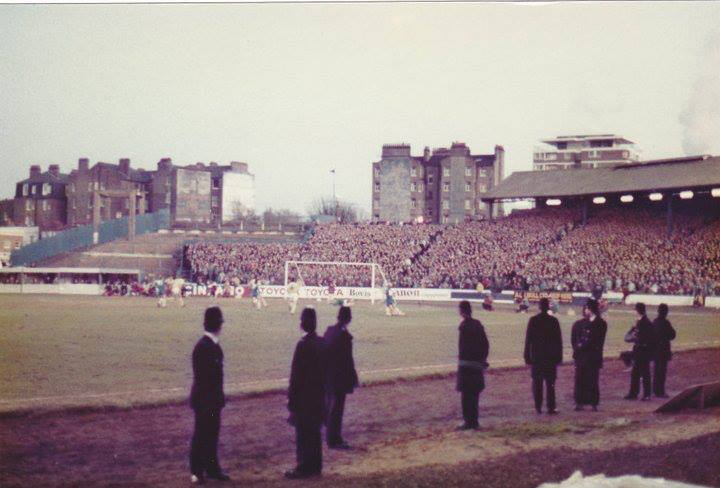
Brighton v Chelsea 1984
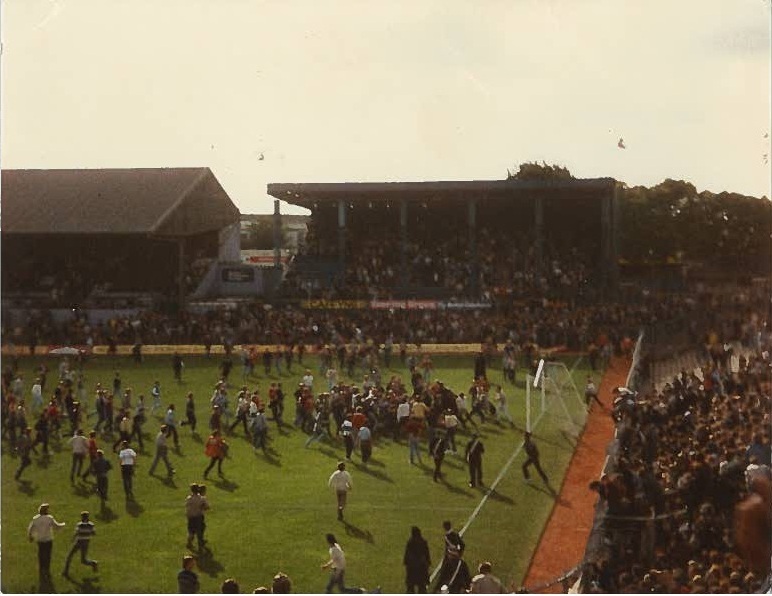
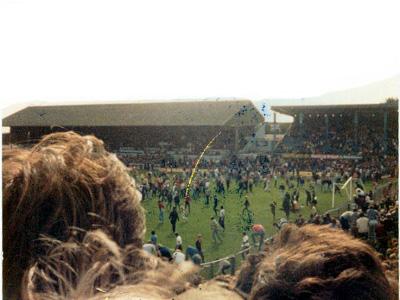
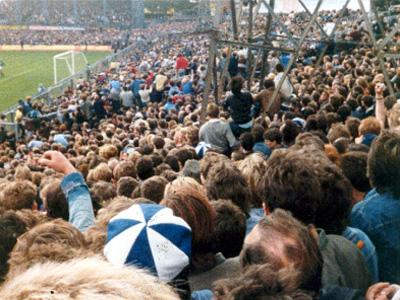
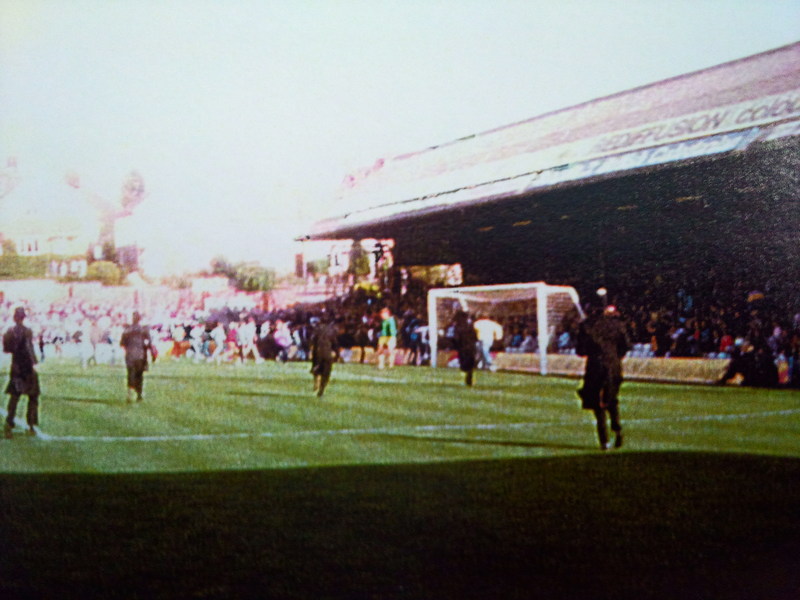


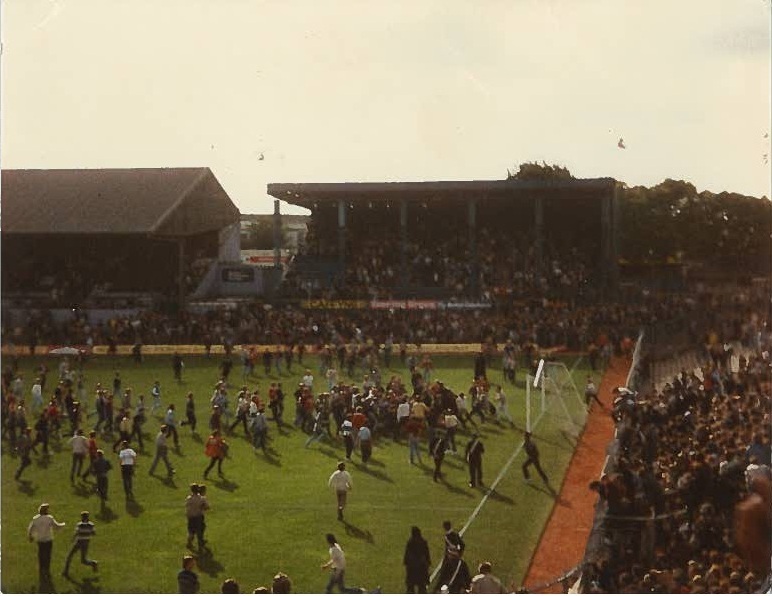
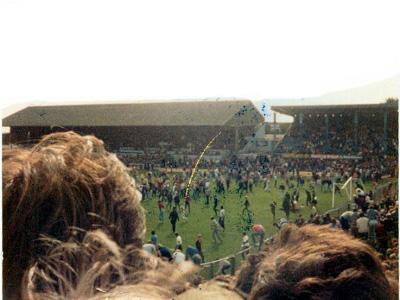
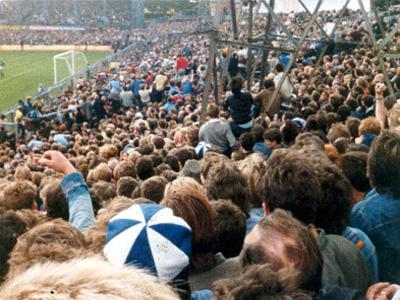
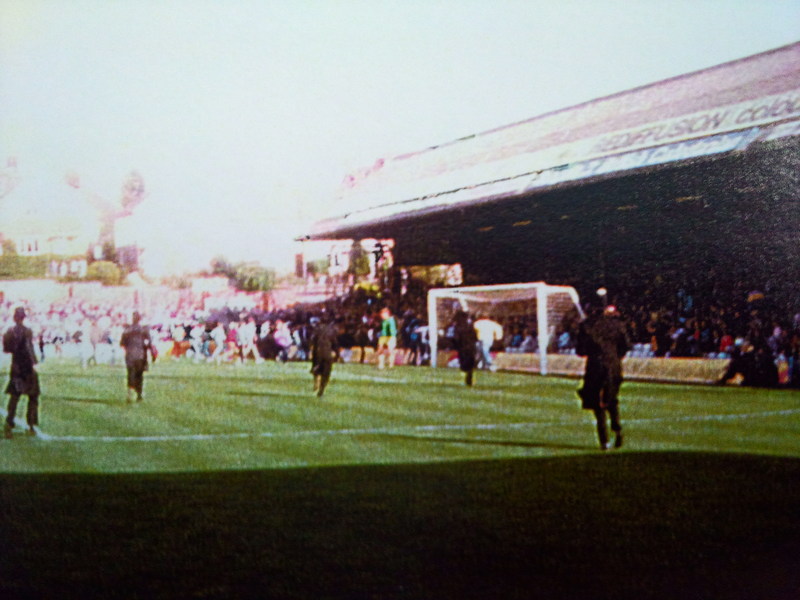

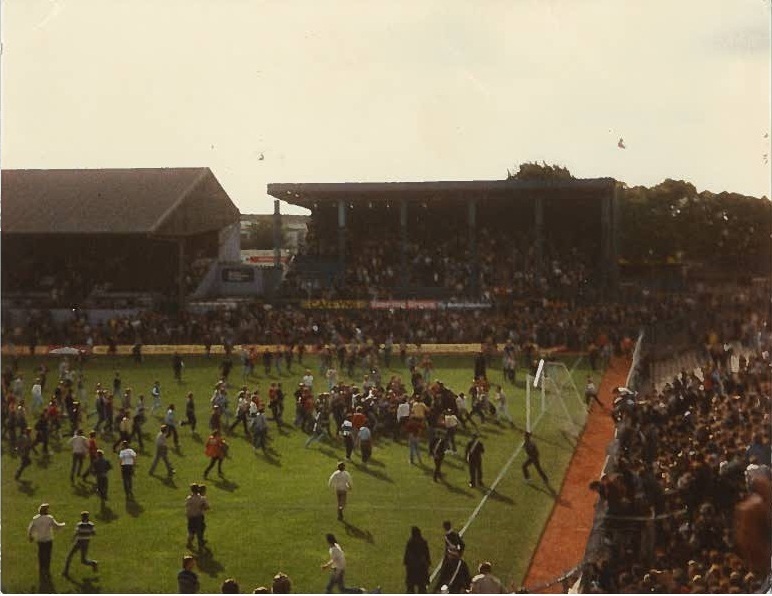
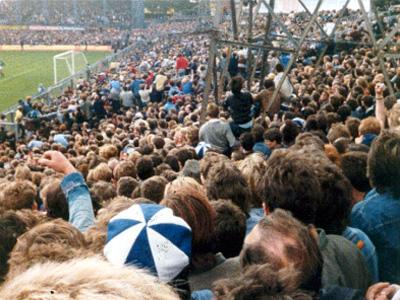
 Cardiff(H)15-10-83
15-10-83.jpg.0c6d501461f4e1044375bb47f243f0d6.jpg) Bolton(A),07-05-83
Bolton(A),07-05-8307-05-83.jpg.fad1ce502ecad33ffa3d5b46cc53827d.jpg) Chelsea in Amsterdam - Europa Cup Final 2013
Chelsea in Amsterdam - Europa Cup Final 2013

 Arsenal(A),26-10-76,Lge Cup R Austria Vienna(A,03-11-94,ECWC R2 01
26-10-76LgeCupR4(76-77).jpg.26d7017d4358e0cbc0aecb18623d56dc.jpg)
 AC Milan(A),26-10-99,ECL(99-00) 02
26-10-99ECL(99-00)02.jpg.7555cedade7afb53a4040bcbe6bfefe8.jpg) Pompey at home 83-84
Pompey at home 83-84 AC Milan way Oh Dennis Wise
 Arsenal v Spurs New Years Day 1986. Chelsea in the Clock End.Is The Canners Game @ Highbury is that 84-85 season?What year is this and where?Chelsea - Sheffield Wednesday 1983-84
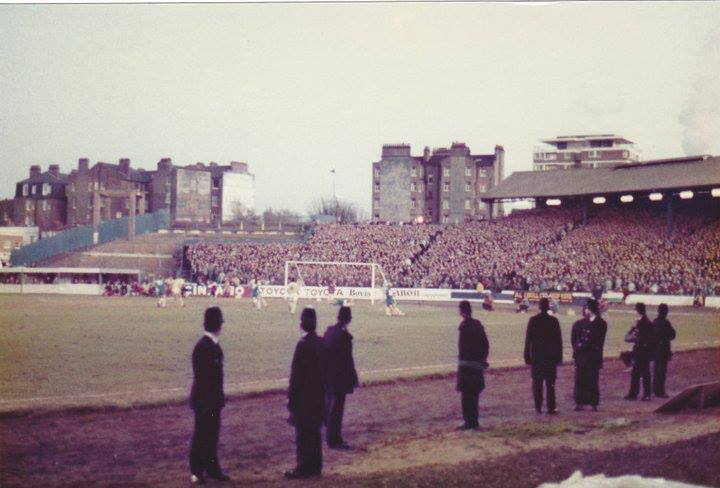 Chelsea - In Europe
 Chelsea - Blue Murder
 Arsenal v Chelsea
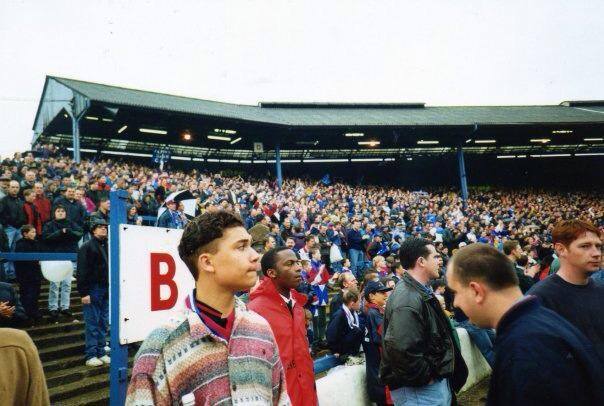
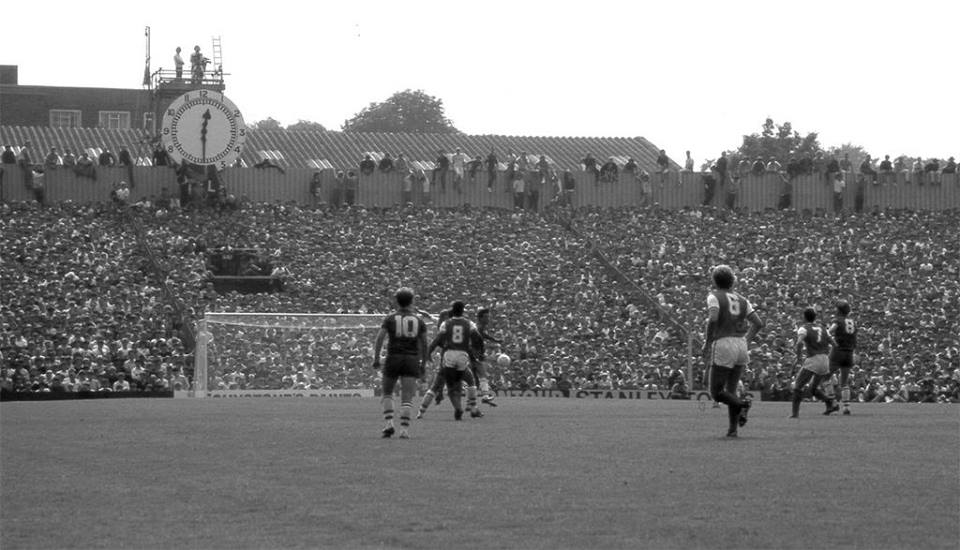 1994 - Chelsea vs Sheffield United
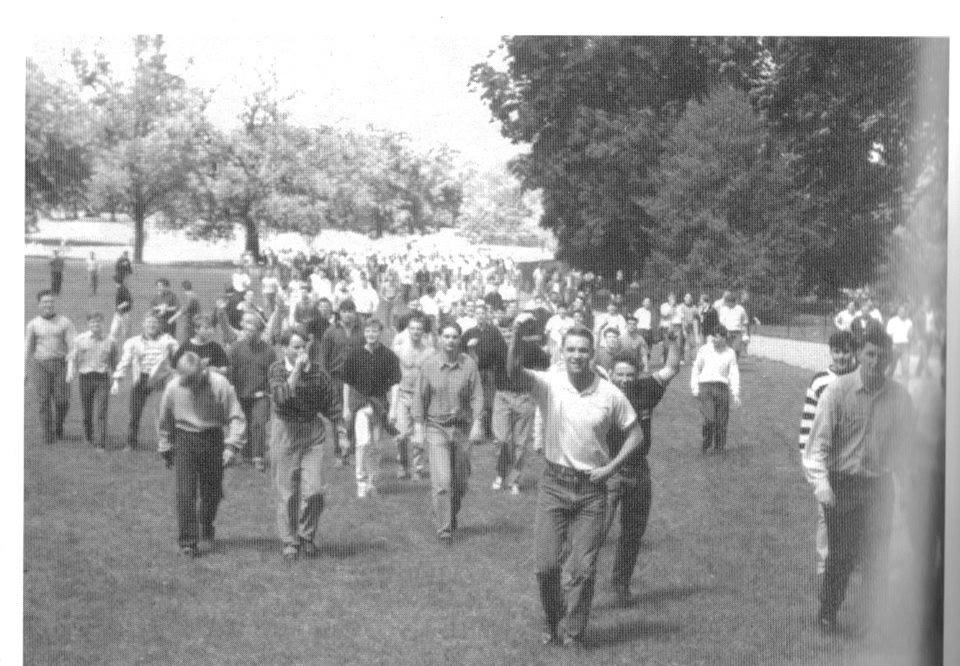
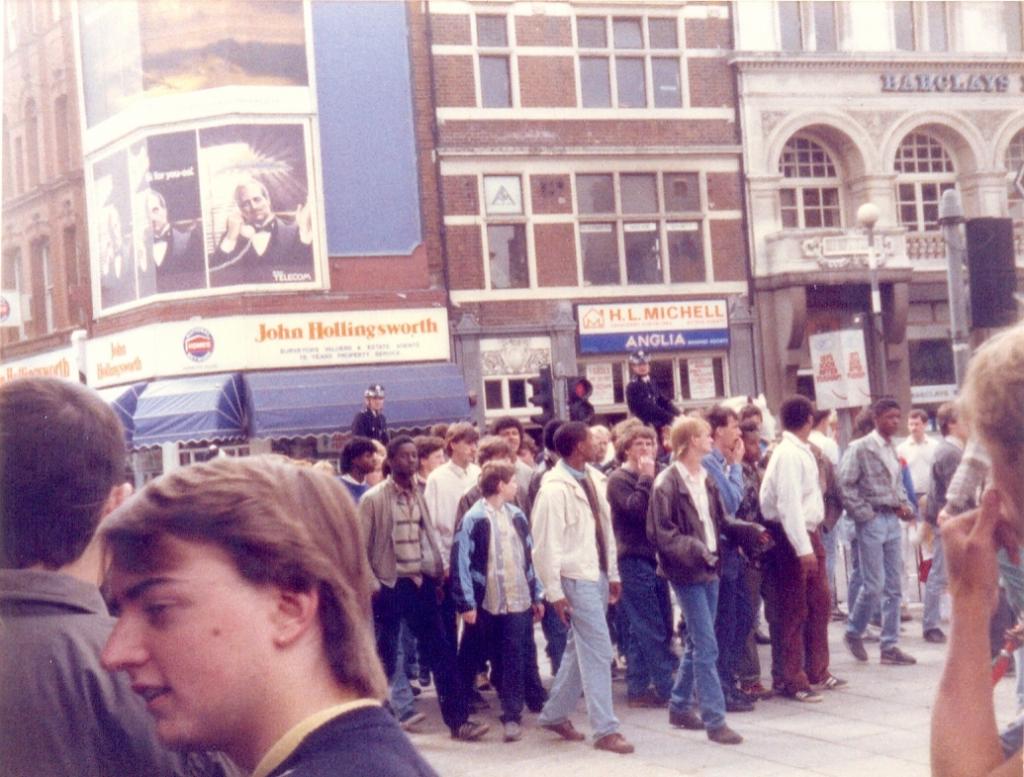
 1988 Boro in Hyde Park on their way to Stamford Bridge
 Sorry If these have been posted before but just found these on a old lap top thought I would share them hope this is ok they aint mine but some great pics IMO
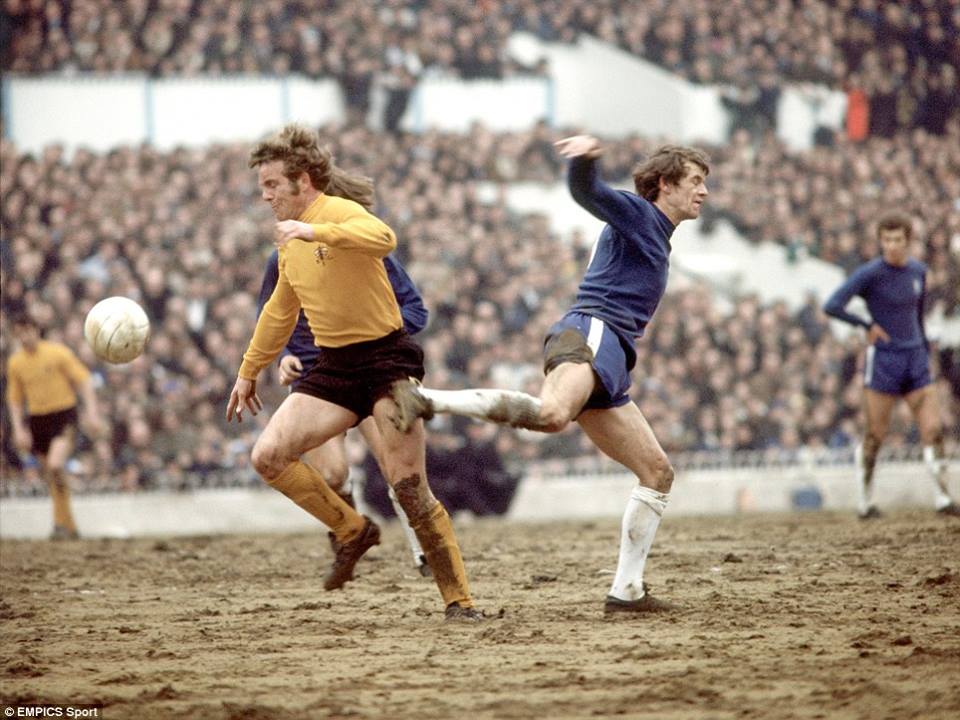 Ive got loads of Chelsea Fanzines ie Chelsea Independant ,Chelsea Red Card and The Chelsea Magazine just sitting in my loft doing nothing would rather they go to a good home on here pity we aint got a buying and selling section of old memerobila BTW this is my favourite section love the pics keep them comingSome good pics in this link the famous Chelsea v Spurs North Stand one http://flashbak.com/police-and-british-football-hooligans-1970-to-1980-3350/





Account
Navigation
Search
Configure browser push notifications
Chrome (Android)
- Tap the lock icon next to the address bar.
- Tap Permissions → Notifications.
- Adjust your preference.
Chrome (Desktop)
- Click the padlock icon in the address bar.
- Select Site settings.
- Find Notifications and adjust your preference.
Safari (iOS 16.4+)
- Ensure the site is installed via Add to Home Screen.
- Open Settings App → Notifications.
- Find your app name and adjust your preference.
Safari (macOS)
- Go to Safari → Preferences.
- Click the Websites tab.
- Select Notifications in the sidebar.
- Find this website and adjust your preference.
Edge (Android)
- Tap the lock icon next to the address bar.
- Tap Permissions.
- Find Notifications and adjust your preference.
Edge (Desktop)
- Click the padlock icon in the address bar.
- Click Permissions for this site.
- Find Notifications and adjust your preference.
Firefox (Android)
- Go to Settings → Site permissions.
- Tap Notifications.
- Find this site in the list and adjust your preference.
Firefox (Desktop)
- Open Firefox Settings.
- Search for Notifications.
- Find this site in the list and adjust your preference.