
mojo
Members
-
Joined
Everything posted by mojo
-
so stressful i'm still shaking what a bunch of wonkers we were after 1:2
-
lucky
-
.
-
diegooooooooooooooooooooal
-
where has chelsea wanished?
-
mason retire you idiot
-
dirty mother f**kers
-
with a knee to the back, c**t
-
what a goal
-
merseyside derby and nwc:mnc are postponed
-
we've totally deserved this win
-
what a bunch of f**king c**ts premiere league at its best
-
cesc for JT
-
Chelsea FC @ChelseaFC 10 mins10 minutes ago Guus expects Diego to be available for Saturday's game. He says the incident was an accidental one as he challenged for a header. #CFC Chelsea FC @ChelseaFC 11 mins11 minutes ago Guus says he will back later today to do some light training and then join his team-mates in the hotel tonight. #CFC Chelsea FC @ChelseaFC 11 mins11 minutes ago Guus says Diego Costa broke his nose in training yesterday. #CFC
-
still undefeated and another clean sheet. f**k that.
-
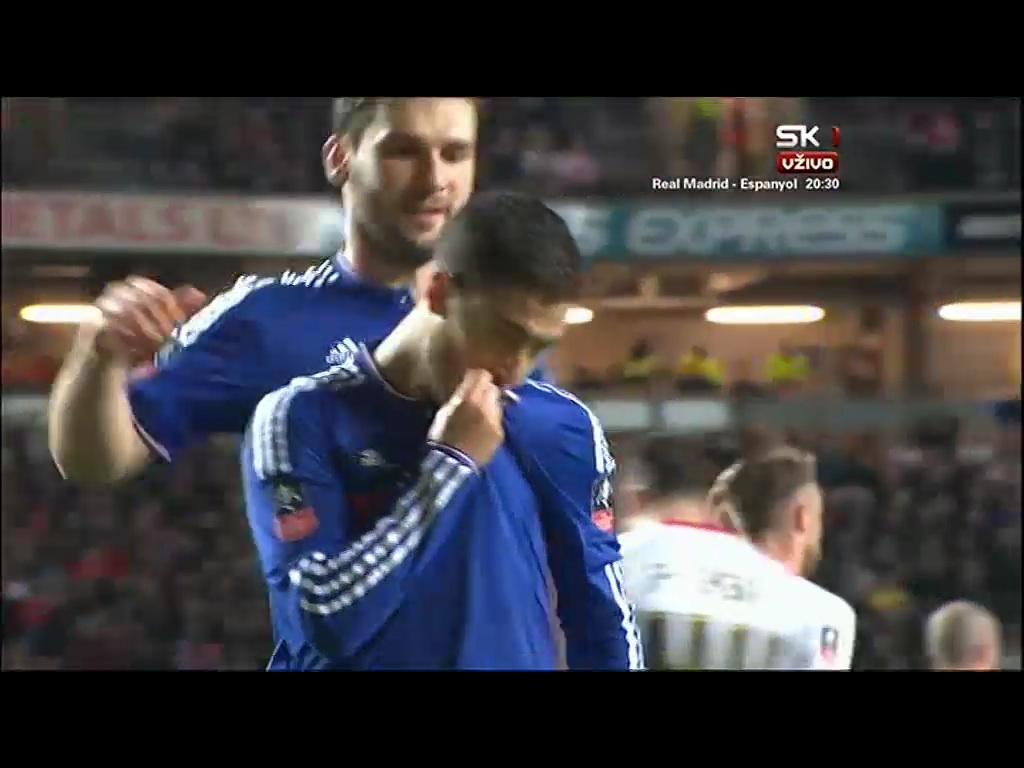
looks like he was eager for a goal to show us
-
hat trick was self evident
-
oscar on fire
-
costa needed just 23 minutes to f**ked arse's game completely and utterly
-
not even close. matic never knew what to do with the ball.
-
JT celebrating gif pleaseover 30 page rant and counting.. epicYEEEEEEEEEEEEEEEEEEEEEEEEEEEEEEEEEEEEEEEEEEEEEEEEEEEEEEEEEEEEEEEEEEEEEEEEEEEEEEEEEEEEEEEEEEEEEEEEEEEEEEEEEEEEEEEEEEEEEEEEEEEEEEEEEEEEEEEEEEEEEEEEEEEEEEEEEEEEEEEEEEEEEEEEEEEEEEEEEEEEEEEEEEEEEEEEEEEEEEEEEEEEEEEEEEEEEEEEEEEEEEEEEEEEEEEEEEEEEEEEEEEEEEEEEEEEEEEEEEEEEEEEEEEESthat's penalty on costa